
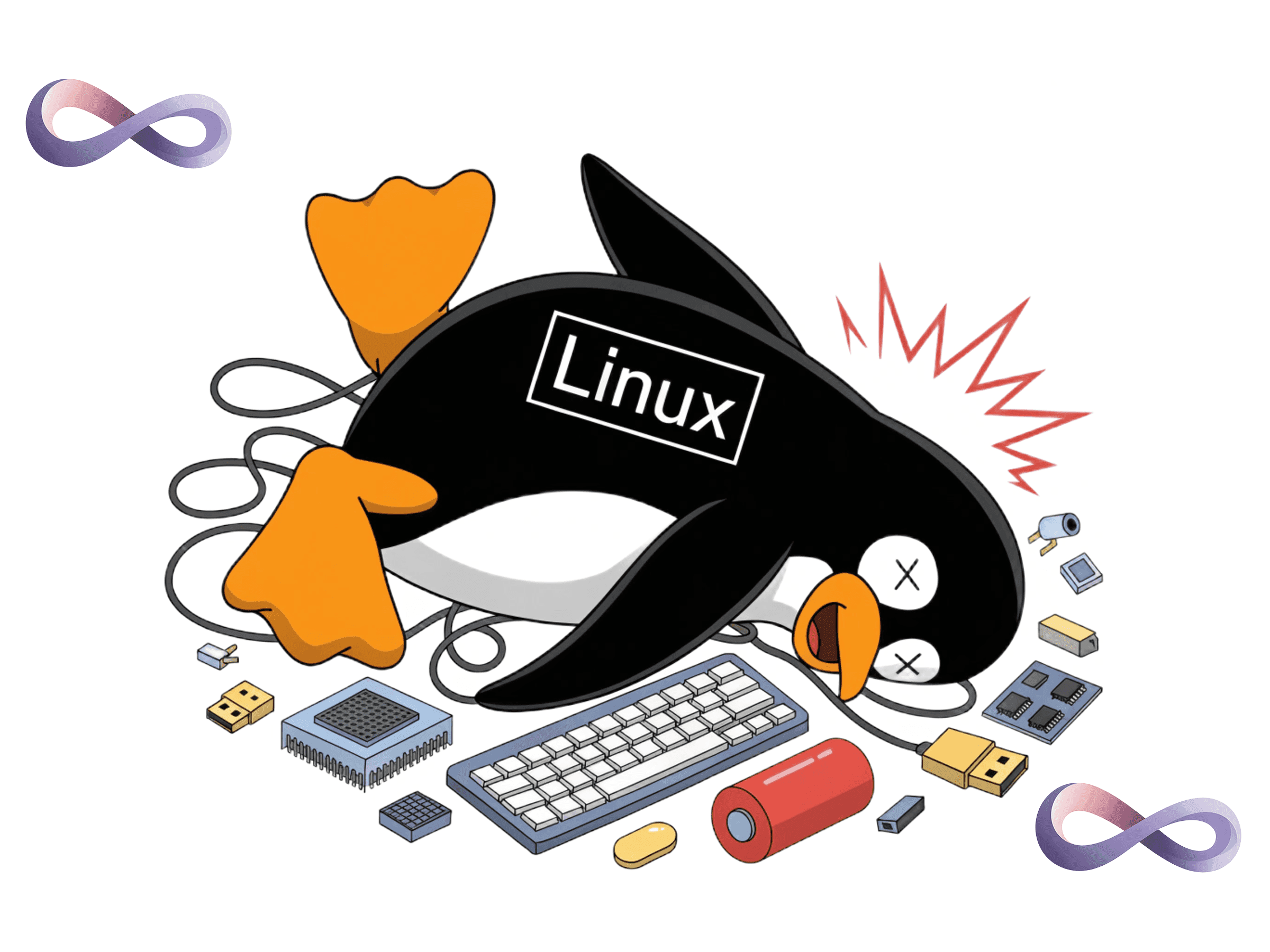
It was a normal Tuesday. My XPS 13 froze mid-login, spinner stuck, mouse dead, nothing. So I did the thing everyone does: held the power button until it died.
That single act caught the filesystem mid-write and turned a working machine into a boot loop. Eight months of rock-solid Zorin OS, undone by four seconds of pressing a button. What followed was ninety minutes of recovery while I was backed up on actual work, and a genuinely useful lesson about how a Linux system boots and where it lies to you when it fails.
This is the whole trail: what broke, every wrong turn I took, and the fix that finally stuck. If you're mid-panic with the same symptoms, skip to The Fix. If you've got time, the wrong turns are where the actual learning is.
The symptom
The machine powered on, POSTed fine, ran through the boot log, and then froze. The last line on screen was always the same:
[ OK ] Reached target sound.target - Sound Card.
Or sometimes it was snapd.seeded.service. Or Finished systemd-backlight. The freeze point moved depending on the boot.
That detail is the first trap, and it's worth burning into your memory:
The line where the screen freezes is almost never the thing that's broken.
The boot log shows the last message a service successfully printed. When a different service then enters a silent crash loop, the screen just stops scrolling. You stare at sound.target and waste twenty minutes investigating audio when the real fire is somewhere you can't see. More on that later.
There were also some alarming-looking red lines early in the log:
ACPI BIOS Error (bug): Could not resolve symbol [\_TZ.ETMD], AE_NOT_FOUND
ACPI Error: Aborting method \_SB.IETM._OSC due to previous error
Pure noise. This is a firmware quirk on a lot of Intel laptops where the kernel's ACPI parser can't resolve a thermal-zone symbol the BIOS references. It has nothing to do with booting. If you see it, ignore it, it's been there every boot of your life, you just never read the log before.
Wrong turn #1: assuming filesystem corruption
A force shutdown mid-write screams "corrupted filesystem," so I went to recovery mode and ran the built-in fsck option.
It finished in under a second and reported nothing. I took that as "all clear" and moved on. That was a mistake, not because the filesystem was actually broken, but because that fsck didn't really run. The root filesystem was mounted, and:
**e2fsck refuses to repair a mounted filesystem. You cannot reliably fsck your root partition from a shell running on that root partition.**
Recovery mode's fsck either skips a mounted root or checks the wrong thing. To actually check your root filesystem, it has to be unmounted — which means booting from something else. Hold that thought.
Wrong turn #2: playing whack-a-mole with services
Back in the recovery root shell, I tried to remount the disk writable and got:
mount: /: bad option, bad superblock on /dev/nvme0n1p7, ...
Combined with the freeze at snapd.seeded.service, I convinced myself snapd was the villain. So I masked it:
ln -sf /dev/null /etc/systemd/system/snapd.service
ln -sf /dev/null /etc/systemd/system/snapd.socket
ln -sf /dev/null /etc/systemd/system/snapd.seeded.service
(Masking a service points its unit at /dev/null so systemd refuses to start it. It's fully reversible with systemctl unmask.)
Rebooted. It got past snapd, and froze at sound.target. So I masked PulseAudio. Then PipeWire. Then WirePlumber. Then Docker. Each reboot crawled a little further and then died somewhere new.
This felt like progress. It was not. I was treating symptoms one at a time without ever asking the system what was actually failing. I masked four subsystems before I did the one thing I should've done first.
The turning point: a live USB and the real logs
Two things finally broke the cycle.
First, a real fsck. A colleague had a 4GB USB stick, so I flashed a Zorin live image (GPT scheme, UEFI target, ISO mode not DD ), booted off it, and ran fsck against the unmounted root partition:
sudo fsck -y /dev/nvme0n1p7
Result:
/dev/nvme0n1p7: clean, 2272672/7831552 files, 28607330/31300864 blocks
Clean. No corruption at all. Every minute I'd spent worrying about the filesystem was wasted. But that 28607330/31300864 blocks line was screaming: the disk was 91% full. Keep that in mind too.
Second, and this is the command that should've been move number one: mount the broken disk from the live environment and read the logs from the last failed boot.
sudo mount -t ext4 /dev/nvme0n1p7 /mnt
sudo journalctl --root=/mnt -b -1 --no-pager | grep -E "Failed|killed|Timeout"
kernel: traps: gdm3[1900] trap int3 ... in libglib-2.0.so.0.8000.0
gdm.service: Main process exited, code=killed, status=5/TRAP
gdm.service: Failed with result 'signal'.
gpu-manager.service: Failed with result 'start-limit-hit'
There's the whole story. GDM , the GNOME login manager was crashing on a corrupted libglib shared library. It crashed, systemd restarted it, it crashed again, hit the restart limit, and the boot wedged in the loop. The screen, meanwhile, was frozen on sound.target, a service that had finished fine before the crash loop started. I'd spent an hour debugging the wrong half of the boot because I trusted the screen instead of the journal.
Every service I masked was a service that wasn't actually broken. The logs would have told me that in thirty seconds.
The Fix
GDM was crashing on a bad libglib, so the fix is to reinstall it, but you have to do it inside the broken system, from the live USB, using a chroot. And a chroot needs the kernel filesystems bind-mounted or apt can't reach the network or your devices. This is the part I got wrong on the first attempt (I ran a bare chroot with no bind mounts, apt half-worked, and the fix didn't stick).
Do it properly:
# Mount the broken root
sudo mount -t ext4 /dev/nvme0n1p7 /mnt
Bind the kernel filesystems so apt works inside the chroot
sudo mount --bind /proc /mnt/proc
sudo mount --bind /sys /mnt/sys
sudo mount --bind /dev /mnt/dev
sudo mount --bind /run /mnt/run
Enter the broken system
sudo chroot /mnt /bin/bash
Now you're operating inside your real install. Reinstall the broken library, the login manager, and the desktop metapackage to catch anything else, then rebuild the initramfs:
apt update
apt install --reinstall libglib2.0-0t64 gdm3 zorin-os-desktop
update-initramfs -u
exit
(On current Zorin/Ubuntu the package is libglib2.0-0t64 — the 64-bit-time variant. On older releases it's libglib2.0-0. Reinstalling both does no harm.)
Unmount cleanly and reboot:
sudo umount /mnt/proc /mnt/sys /mnt/dev /mnt/run /mnt
Pull the USB. It booted straight to the login screen. Done.
Cleanup after you're back in
Once you're booted, undo the panic-masking so your system is whole again:
sudo systemctl unmask snapd.service snapd.socket snapd.seeded.service
sudo systemctl unmask pulseaudio.service pulseaudio.socket
sudo systemctl unmask pipewire.service pipewire.socket pipewire-pulse.service pipewire-pulse.socket wireplumber.service
sudo systemctl unmask docker.service docker.socket
sudo reboot
Then deal with the thing that probably caused all of this in the first place the 91% full disk. A filesystem with almost no free space is far more likely to leave a file half-written when power is yanked, and that's exactly the kind of damage that takes out a shared library
What I'd do differently (and what you should do)
The shortest version of this entire ordeal:
- Don't trust the freeze point on screen. It's the last successful message, not the failure. Read the journal.
- journalctl --root=/mnt -b -1 is the move. Mount the broken disk from a live USB and read the previous boot's logs first, before you change anything. I did it tenth. It should've been first.
- fsck only means something on an unmounted filesystem. Recovery-mode fsck on a mounted root is theatre.
- Keep a live USB around. The single biggest delay was not having one. A $5 stick with a current ISO is the difference between a 10-minute fix and a 90-minute one. Make one this weekend.
- Don't run your disk at 91%. Give the filesystem room to breathe so a bad shutdown doesn't corrupt a write.
The part where I'm honest about Linux
Here's the thing the tech-forum triumphalism won't tell you: this is both an indictment and a love letter.
The indictment is real. One held power button, the most basic, universal "I give up" gesture in all of computing cascaded into a corrupted system library and a boot loop that a normal person would never recover from. No average user is going to chroot in from a borrowed USB stick and reinstall libglib. They'd assume the laptop was dead. "Year of the Linux desktop" has to mean a desktop that survives the things real people actually do to computers, and right now, sometimes, it doesn't.
But here's the love letter, and it's why I'm still typing this on Zorin: the same openness that let it break this badly is exactly what let me fix it. Nothing was hidden from me. I could mount the dead system from a USB, read the precise line where the login manager died, see which library was corrupt, surgically reinstall it, and walk out with the machine and my understanding of it, fully intact. No black box deciding my fate. The journal told me the truth the moment I bothered to ask it.
A more locked-down OS might have papered over the failure and self-healed, and you'd never know what happened or why. Linux handed me the wreckage and the tools and got out of the way. That's the trade. It will let you shoot yourself in the foot, and then it will hand you a fully-stocked surgical kit and an exact X-ray of the wound.
It's the year of the Linux desktop. It's also really, really not. Both things are true, and I wouldn't switch.
About the Author